
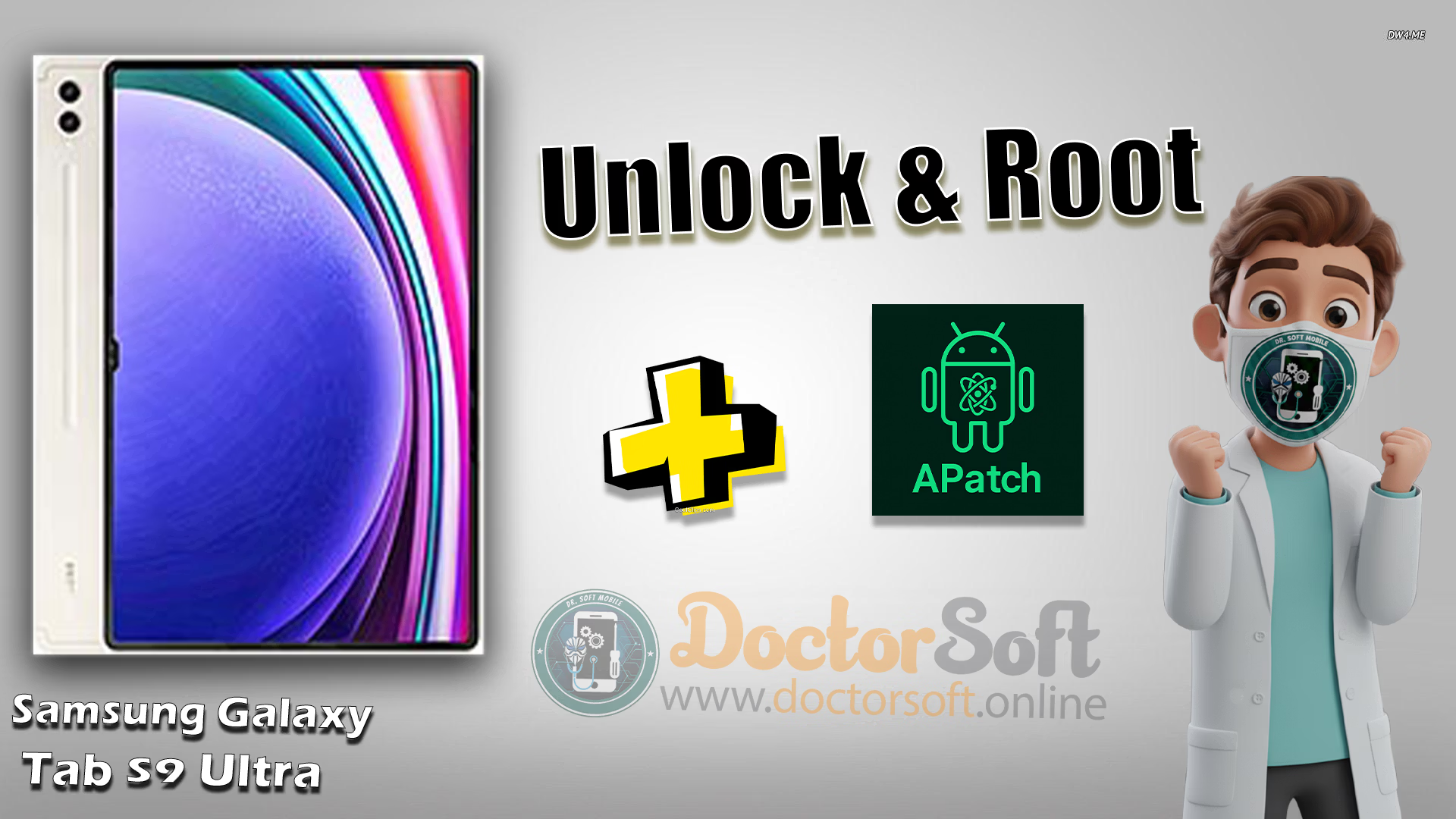
The Samsung Galaxy Tab S9 Ultra SM-X910 is a premium Android tablet designed for users who need powerful performance, a large display, and advanced productivity features.
For enthusiasts who want deeper control over their device, unlocking the bootloader and rooting the Galaxy Tab S9 Ultra can provide access to system customization, root applications, custom modifications, and enhanced Android capabilities.
This guide explains how to safely unlock the bootloader and root the Galaxy Tab S9 Ultra SM-X910, including the necessary requirements, preparation steps, and important precautions before starting the process.

📱 Device Info
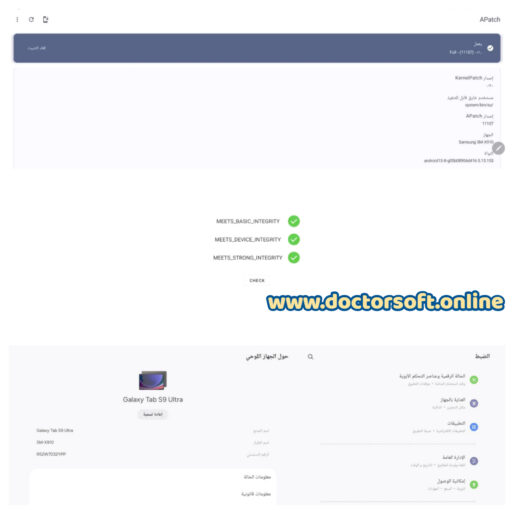
- Device: Galaxy Tab S9 Ultra
- Model: SM-X910
- Supported OS: Android 15
- Root : APatch
🔥 Service Benefits
- Safe Bootloader Unlock: Officially and securely unlocked.
- Premium Root Access: Installed via the latest APatch version.
- Remote Support: Done entirely online via PC remote access.
- System Stability: Optimized for performance and safety.
📦 Requirements
- Windows PC & USB Cable
- Stable Internet Connection
- Remote Access Tool (AnyDesk / TeamViewer)
⚠️ Important Notice: Unlocking the bootloader will wipe all user data. Please back up your device before starting. This process may also void your manufacturer warranty.
Need Help? We Are Here for You! 💬
If you have any questions or face any issues while flashing your device, feel free to reach out! We are here to help you every step of the way. 💡
Contact us
Why Choose Dr.Soft Services? 💡
💥 Professional Expertise:
We provide reliable mobile software solutions including firmware, root, FRP, and bootloader services.
💥 Safe & Trusted Methods:
All operations are performed using verified and secure techniques to ensure device stability.
💥 Affordable & Reliable Support:
High-quality technical services at fair prices with consistent and trusted results.
❓ Frequently Asked Questions (FAQ)
Will rooting my Galaxy Tab S9 Ultra wipe my data?
Unlocking the bootloader erases all user data. Please back up your files before starting.
Is the APatch root permanent?
Once installed, remains active until the device is flashed with official firmware or the bootloader is relocked.
Do I need to leave my home for this service?
The service is performed remotely via a secure PC connection.
🔍 Tags For Galaxy Tab S9 Ultra
Galaxy Tab S9 Ultra root, unlock bootloader SM-X910, Galaxy Tab S9 Ultra APatch, Android 15 root, Galaxy Tab S9 Ultra bootloader unlock, Galaxy Tab S9 Ultra root Android 15, Galaxy Tab S9 Ultra rooting service, Galaxy Tab S9 Ultra root guide, Galaxy Tab S9 Ultra root tool, Galaxy Tab S9 Ultra firmware, Galaxy Tab S9 Ultra flash firmware, Galaxy Tab S9 Ultra stock firmware, Galaxy Tab S9 Ultra unbrick, Galaxy Tab S9 Ultra unbrick service, Galaxy Tab S9 Ultra bootloop fix, Galaxy Tab S9 Ultra hard brick repair, Galaxy Tab S9 Ultra soft brick fix, Galaxy Tab S9 Ultra EDL mode, Galaxy Tab S9 Ultra fastboot mode, Galaxy Tab S9 Ultra recovery mode, Galaxy Tab S9 Ultra magisk, Galaxy Tab S9 Ultra KernelSU, Galaxy Tab S9 Ultra KernelSU Next, SM-X910 root, SM-X910 bootloader unlock, SM-X910 unbrick, Android root service, remote Android root, bootloader unlock service, online rooting service, remote bootloader unlock, Android unbrick service, firmware flashing service